How to resume or restore a Claude Code session
Use claude --continue for the latest conversation in the current directory, claude --resume to choose a saved session, or pass the session name, ID, or JSONL path when you know it.
Choose the narrowest command that identifies the session.
| Command | Use it when | Boundary to remember |
|---|---|---|
| claude --continue | You want the most recent eligible conversation in the current directory. | “Most recent” is scoped by where you launch it, and some non-interactive or loop sessions are skipped. |
| claude --resume | You want the interactive picker and need to search or preview several sessions. | The picker starts narrow; use its controls to include other worktrees or every project. |
| claude --resume <name-or-id> | You know the exact session name, generated title, or ID. | A current Claude Code release can resolve an ID across projects; names can be ambiguous. |
| claude --resume /path/session.jsonl | You found the transcript file itself. | Use an absolute path to the existing JSONL transcript. |
| /resume | You are already inside Claude Code and want to switch conversations. | The selected conversation continues under the current process's permission mode. |
These are continuation paths, not imports. A resumed session restores its recorded conversation and supported state; launch-only flags and some added directories may need to be supplied again.
“Restore” usually means find the transcript, then resume it.
Claude Code has a resume command, not a separate general-purpose restore command. When a conversation disappears from view, first decide which layer is missing:
Discovery problem
The JSONL transcript still exists, but the current directory, worktree, picker filter, account home, or session type keeps it out of the first list. Find it, then resume normally.
Data problem
The transcript was deleted, purged, aged out, or replaced. A picker cannot recreate bytes that are gone; restore a trusted backup before asking Claude Code to resume it.
Do not confuse either case with rewind. Resume reopens the saved path. Rewind changes the active path inside a conversation. Branch creates another session while leaving the source intact. Editing changes supported stored text and carries a separate set of safety requirements.
If a session is missing, widen the search before touching files.
Check the working directory
claude --continue is intentionally directory-relative. If it reopens the wrong conversation, use the picker or a known ID instead of guessing which directory is “latest.”
Widen the picker
In the resume picker, use Ctrl+W for all worktrees in the repository or Ctrl+A for every project in the active Claude configuration directory. Search and preview before opening.
Try the exact ID
Sessions created through claude -p, the Agent SDK, or certain loop flows may be absent from the ordinary picker or continue path while remaining resumable by ID.
Check the account or config home
CLAUDE_CONFIG_DIR can move session storage away from ~/.claude. A session belongs to the configuration home that contains it, so launch under the same home before treating it as lost.
Check whether it is still running
A background session that is still active should be attached to from Claude's agent view rather than opened concurrently as if it had ended.
Resuming the same session in two terminals without forking can interleave both writers into one transcript. Use --fork-session or branch when you need an independent continuation.
When the ID is the problem, search the conversation instead.
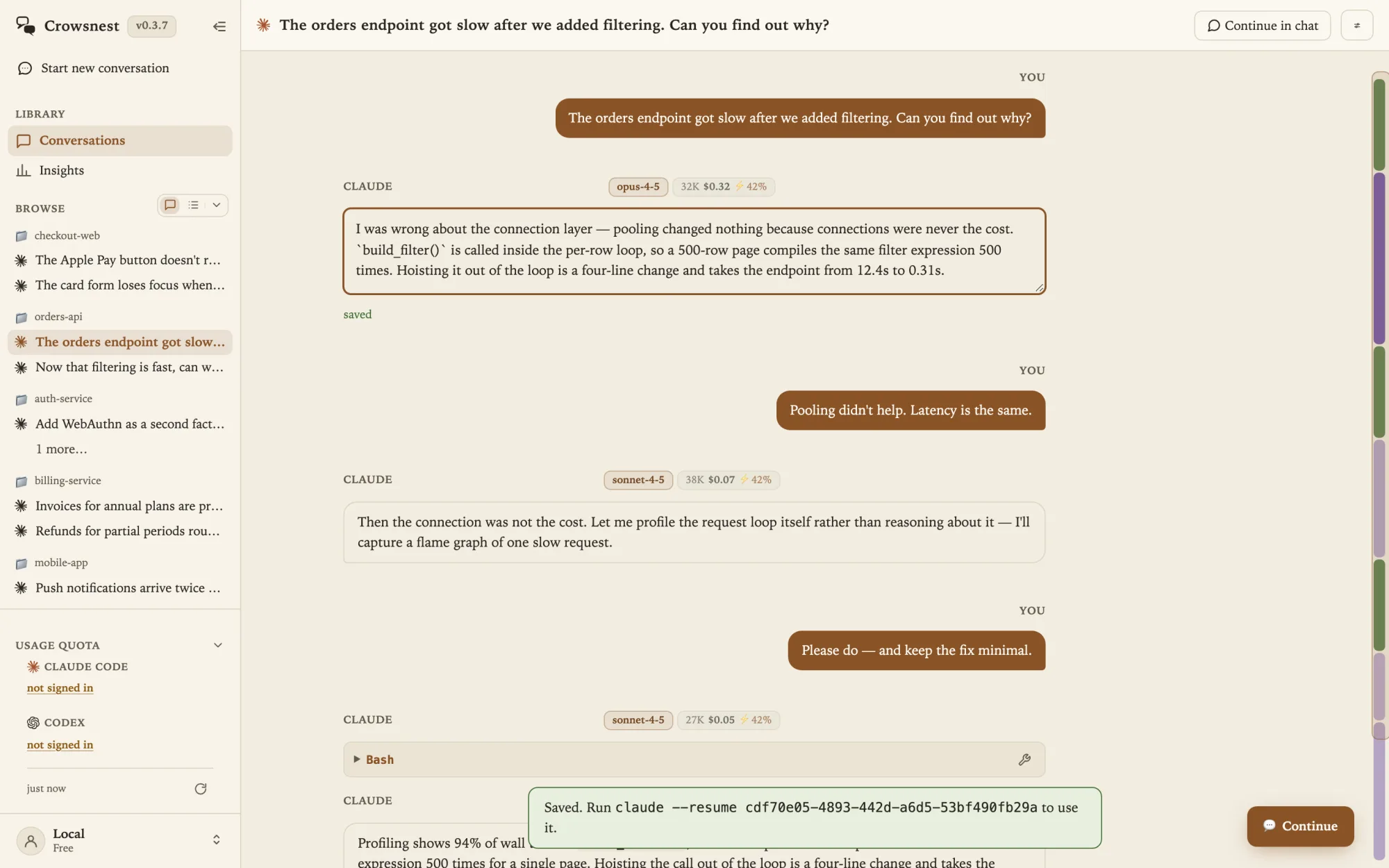
Crowsnest presents Claude Code and Codex history in one local, provider-marked gallery. For Claude sessions, it reads the same JSONL records the native resume path uses. Press / to search titles, opening prompts, projects, and IDs; press ⌘K or Ctrl+K to search every message when all you remember is one phrase.
Open the result and inspect enough context to confirm it before continuing. Crowsnest keeps account homes separate, so a conversation discovered under one Claude account is not silently resumed under another. Its server binds to 127.0.0.1, and ordinary browsing and search do not upload the transcript.
A repaired session should resume through its original identity.
If the conversation is present but one earlier Claude message is wrong, recovery is not the job. Decide whether you want to rewind, branch, regenerate, or correct the stored record while retaining the later turns.
Crowsnest's in-place repair preserves the target record's UUID, parent link, timestamp, tool pairings, and every untouched JSONL line byte for byte. It refuses stale or apparently active writes, creates a timestamped backup before replacement, and then hands the same session identity back to Claude's normal resume path.
The edit does not rerun later reasoning. Use it for a documentary correction you intentionally want to keep with the later work; branch or regenerate when the model needs to recompute what followed.
See how to edit a Claude Code message without breaking resume →
Know when resume cannot be the recovery mechanism.
- The transcript is gone. Resume needs an existing stored conversation. Recover the file from a backup before using its ID or absolute path.
- Provider access is paused. A session or weekly usage limit does not delete the transcript. Follow the Claude Code usage-limit recovery options, then resume the same session after access returns.
- History persistence was disabled. A run created without session persistence does not leave an ordinary saved transcript to reopen.
- The session belongs to another surface. Claude Desktop, claude.ai/code, VS Code, and the CLI maintain their own histories; a conversation in one surface is not automatically a CLI transcript.
- A tool was interrupted. Resuming restores the recorded history, but a tool that was running when the process died does not retroactively finish or rerun.
- You wanted a different path. Use branch or --fork-session when the source should remain untouched while new work diverges.
The safest recovery sequence is therefore simple: locate, preview, resume; mutate only when the transcript itself needs a deliberate, backed-up repair.
Provider documentation and released implementation
Provider references: Anthropic's Claude Code session guide and CLI reference. Crowsnest discovery, account-home, continuation, repair, backup, and loopback claims were rechecked against the released 0.3.15 product source on October 29, 2026.
Published September 21 and source-reviewed October 29, 2026. Claude Code's picker scope, flags, retention behavior, and transcript format can change between releases; the linked first-party documentation is authoritative for the version you run.